Single sign-on (SSO)
Console and tenant admins sign in with Google Workspace or Microsoft Entra ID.
Requirements
- An Enterprise tenant.
- Only the tenant owner sets up and changes SSO.
- For Restrict logins to SSO only, the owner sets up two-factor authentication first.
Set up
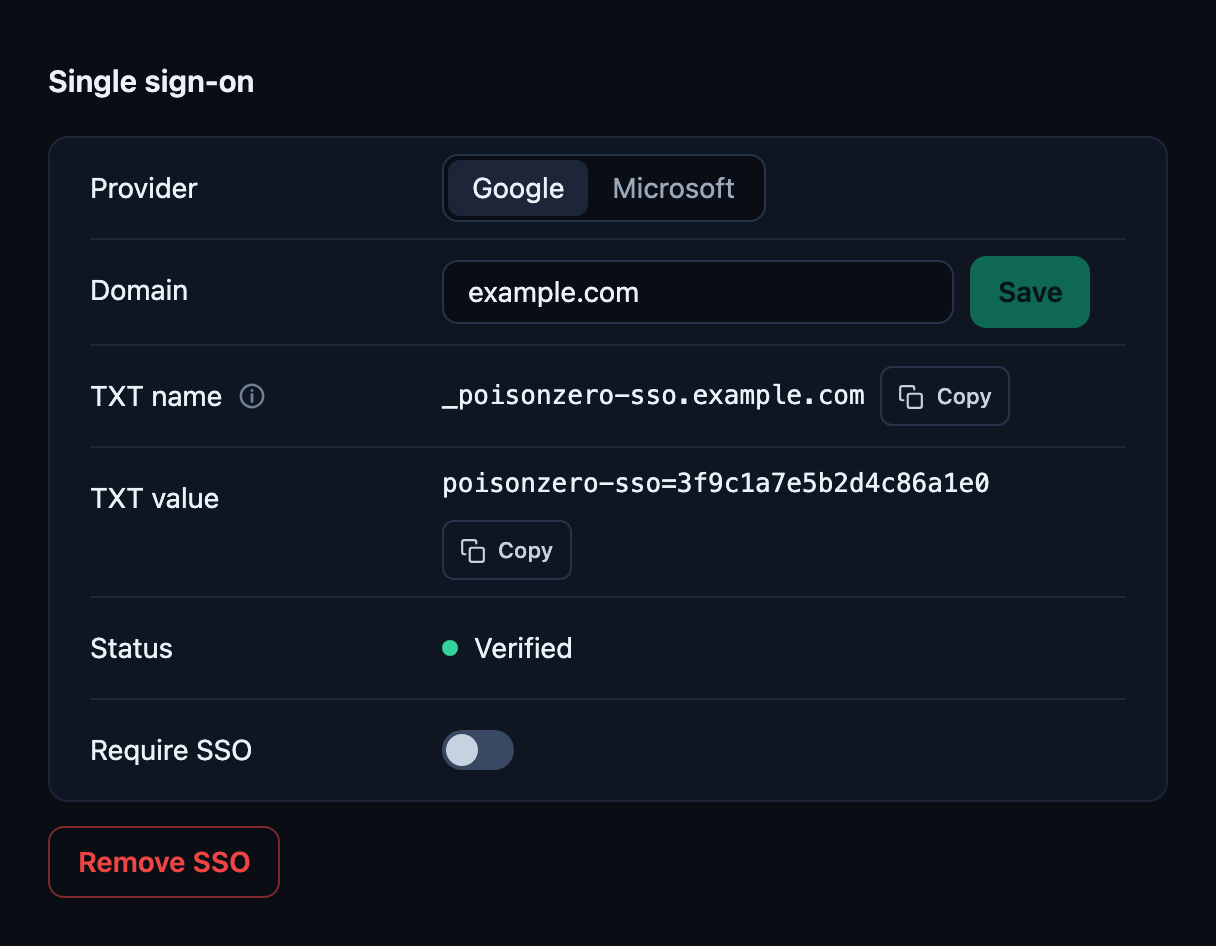
- Under Settings > Access & Security > Single Sign-On, choose the Provider, enter the Domain and click Save.
- Add the TXT record from the table at your DNS provider and click Check.
- Microsoft only: with the status Consent missing, click Create link. The Entra admin opens the link once.
- The status shows Active once SSO is in use.
- Optional: switch on Restrict logins to SSO only.
| TXT record | Content |
|---|---|
| Name | _poisonzero-sso.<domain> |
| Value | poisonzero-sso=… |
Signing in
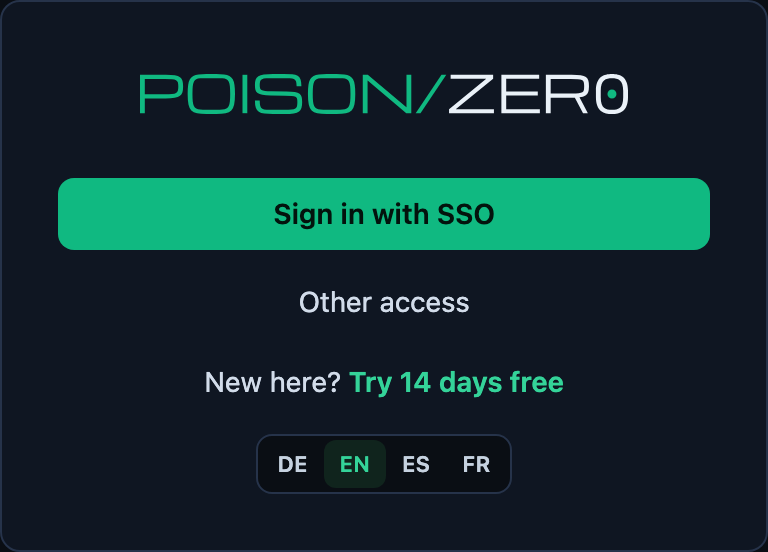
The sign-in page shows Sign in with SSO and Other access.
What changes
- Only invited admins can sign in, accounts are not created automatically.
- An SSO session lasts 8 hours at most.
- With Restrict logins to SSO only, other sign-in methods are blocked for members.
- Owner emergency access: only with two-factor authentication already set up and a fresh sign-in, every use is logged.
- Removal at Google or Microsoft takes effect after 8 hours at the latest, in PoisonZero immediately.
- Personal mail domains are not allowed, one domain per tenant.
Troubleshooting
| What you see | What to do |
|---|---|
| TXT record not found. | DNS takes time. Wait and click Check again. |
| This domain belongs to another account. | Another tenant already uses the domain. |
| Status Consent missing (Microsoft) | The Entra admin has to open the consent link. |